
AI Models & Platforms
Maxon Plus Brings AI 3D Model Generation to Cinema 4D and ZBrush
Maxon Plus adds AI-assisted 3D modeling, texturing and browser-based asset review to the workflows artists already use.

 Add Unite.AI to your preferred sources on Google
Key PointsMaxon Plus generates editable base models rather than finished assets so artists refine…
View more
- Maxon Plus generates editable base models rather than finished assets so artists refine geometry in their existing software.
- Maxon Review lets collaborators pin notes to exact 3D viewpoints so feedback returns to the artist with annotations intact.
- Generative operations consume monthly credits that do not carry over so repeated variant testing carries real cost.
Maxon has introduced Maxon Plus, a set of AI-assisted 3D tools that can generate a base model from a prompt or a reference image, create texture variations, and give collaborators a way to review interactive 3D assets from a browser. The services run on the web, with select features built into Cinema 4D and ZBrush. Maxon Plus is sold separately from Cinema 4D, ZBrush and Maxon One.
For a 3D artist, getting a plausible image isn’t the same as getting an object that can go into a scene. The geometry still has to hold up when viewed from another angle, and the asset may need changes to its silhouette, surface or detail. Maxon’s approach is to supply an editable starting point and let artists do that work in the software they already use.
Three Ways to Start or Refine a 3D Asset
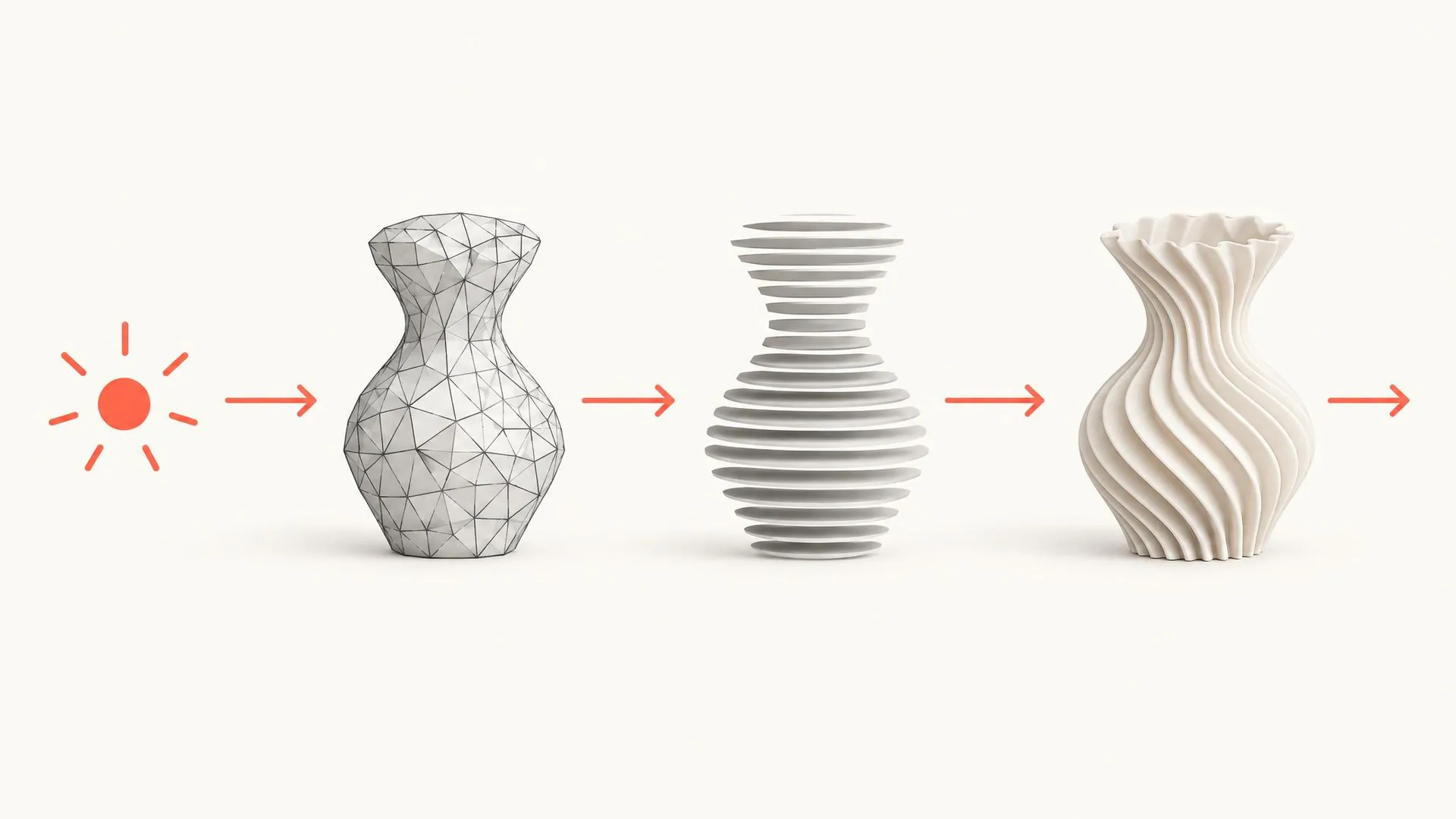
Model Generator makes an editable 3D base model from text or an image. Artists can steer the result at the preview stage. When they run the generator inside Cinema 4D, the application remeshes the output, rebuilding its polygon structure so artists can work on it further. The tool is aimed at jobs such as roughing out a prop or filling in background objects rather than delivering a finished asset without review.
Texture Generator starts with geometry the artist already has. The tool accepts prompts or reference images and can use front, back and side views as guidance. It can generate a new UV layout, which maps a flat texture onto a 3D surface, or preserve an existing layout. Inside Cinema 4D, artists can texture individual parts of the same object, making it possible to test changes to one surface without reworking the rest.
Clay Builder generates a simpler output: a low-polygon mesh without textures. In ZBrush for iPad, it serves as a base for hand sculpting. The tablet app already has touch-based controls and supports subdivision, which lets artists add geometry as they move from broad shapes to finer detail. Starting with a rough mesh gives artists something to shape without also committing them to an AI-generated finish.
Feedback That Stays With the Model
Maxon Review, launching in public preview, is separate from generation. It handles still images and video as well as interactive 3D assets. A collaborator can rotate a model in the browser and pin a note to the exact view and area they are discussing. In Cinema 4D, the artist can return to that viewpoint with the annotations intact. In desktop ZBrush, comments appear in a floating window.
This could spare a team the familiar round of screenshots and calls just to agree on which corner, seam or surface needs a revision. It also gives producers and clients who do not need to edit the scene a way to give specific feedback without joining a live screen share.
What Runs in the Cloud and What Costs Credits
Maxon Plus follows the company’s September addition of a Model Context Protocol server for Cinema 4D. That earlier feature lets an assistant automate chores like organizing imported objects, with Cinema 4D applying changes on the artist’s machine and putting them in its undo history. The new generators work differently: Maxon says third-party providers power its cloud AI features, and that it identifies the provider for each feature and prohibits them from training generative AI models on user material. Artists can turn off AI features and Maxon Plus cloud services at the account level.
Generative operations, including previews, use monthly credits that do not carry over. Maxon says the tool shows the credit cost before each operation and that Maxon Review does not use credits during its public preview. The distinction matters for artists testing a series of variants: the real cost depends on how many tries it takes to get a model or texture worth keeping.



